

Ridgefield Services Limited Ridgefield Services Ltd
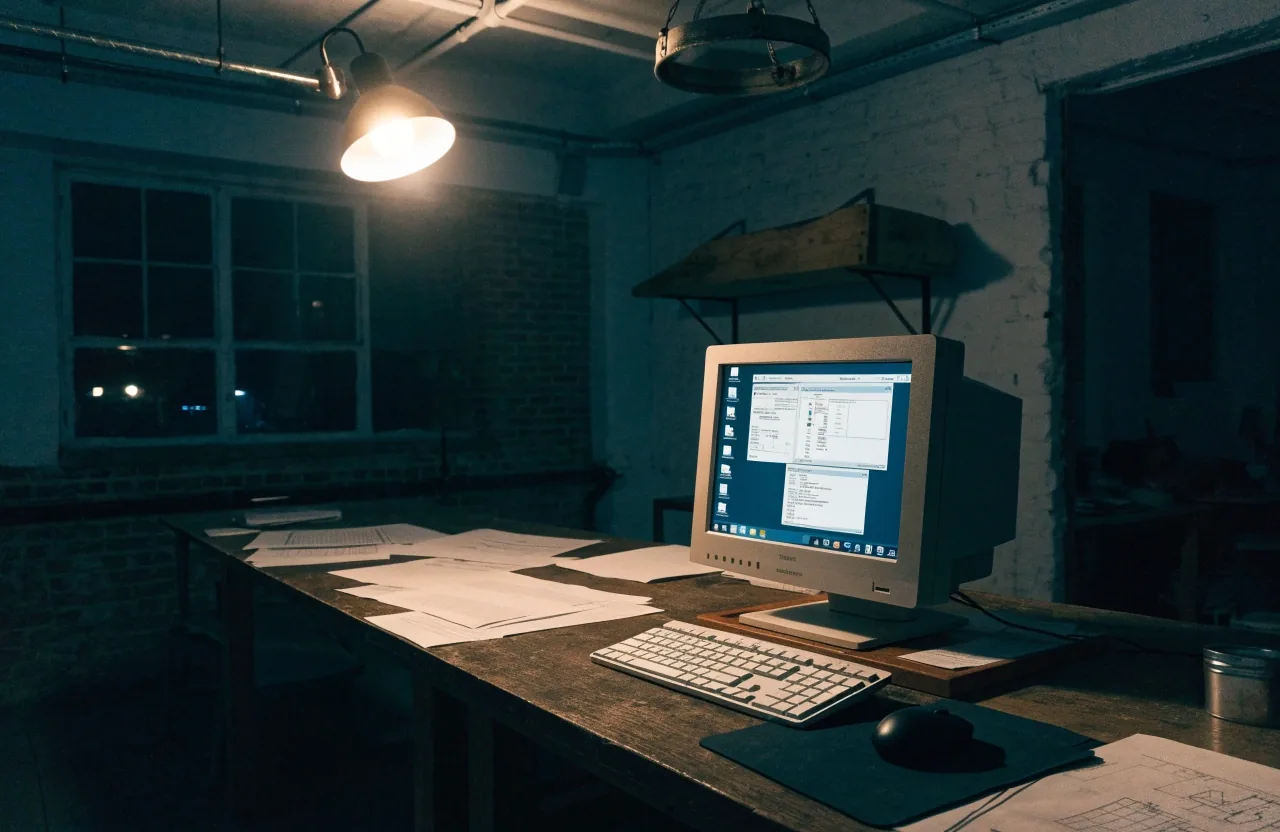
A night-lit studio workbench with a custom desktop application glowing on one monitor beside a game editor on a second screen

We build it, then we hand you the source.

Four service lines, one workshop. Most of our work is a desktop application replacing a spreadsheet, a tool for a specific team, a workflow that runs through email, or two systems that were never meant to talk.

  • Desktop apps
  • Business tools
  • Automation
  • Integration

Which of the four is your problem?

We write software for UK businesses that have outgrown the spreadsheet they started with. The work falls into four shapes, and picking the right one early saves months: a desktop application that replaces a spreadsheet, a line-of-business tool for a specific team, a workflow that currently runs through email and shared drives, or an integration between two systems that were never meant to talk.

If your problem fits one of those, the rest of this page describes what an engagement looks like before you contact us — the scope document, the sprints, the deployment plan, and what happens after the app ships. It also tells you which of the four we would steer you away from, and why.

What sits in the drawer

  • .NET Windows desktop runtime
  • C# Application language
  • Unity 2D and 3D PC titles
  • UE5 Larger 3D work
  • Construct 3 2D casual titles
  • Godot Light 2D and prototyping

The build bench

Whatever the job needs, we already own the drawer

A desktop application built in .NET with C# is where most engagements sit. When the work is a game, the same team moves to Unity, Unreal Engine 5, Construct 3 or Godot, and the deployment plan travels with it.

Handle — pull to open the condition strip

Reading a stack is not the same as choosing one. When the work is a line-of-business tool, the engines below rarely matter — what matters is whether the machine has to talk to a printer, a scale, or a label printer on the shop floor. That answer picks the tool, not the fashion.

Four service lines

Each one solves a different kind of problem

We would rather point you at the smaller service line than sell you the larger one. Below, each line says who it suits, what it usually costs you in time, and what it quietly does not do.

A warehouse desk at night with a desktop application, a label printer and a barcode scanner beside a picking sheet

Desktop applications

This is the core of the service. A Windows application built in .NET with C#, installed on the machines that need it, working with local files and devices. Typical projects are quoting and estimating tools, job and stock tracking, scheduling systems, inspection and reporting software, and internal dashboards that read from a database rather than a browser session.

Desktop is the right choice when the work touches hardware — printers, scanners, scales, label printers, serial or network devices. It is also the right choice when the machine has to keep working without an internet connection, which comes up more often than people expect in warehouses, workshops and field offices.

Suits
warehouses, workshops, field offices
Typical run
a few months to first release
Watch for
slow install routes on locked-down machines
Not for
browser-only teams with no local devices

Line-of-business tools

A line-of-business app solves one team's problem well instead of solving everyone's problem badly. That usually means a narrower screen count, clearer permissions and a shorter build. We have seen more value delivered by a focused tool that a warehouse team actually uses than by a broad platform that only three people log into.

Scope discipline is the whole game here. We start by listing the tasks the app must do in week one, then the ones that can wait for a second phase. It is unusual for the second list to survive contact with the first, and that is a good sign, not a failure. If your team needs three screens by the end of it, that is the build.

Suits
one team with a clear shared job
Typical run
the shortest of the four lines
Watch for
scope creeping from a second department
Not for
replacing a working platform you already run
A night desk with a single line-of-business tool glowing softly beside a printed roster and a small label printer
Not always an application

Workflow automation

Some problems are not applications at all. They are a sequence: a form gets filled in, someone checks it, a file gets renamed, an email goes out, a record gets updated. If that sequence currently runs on human memory and a shared drive, a small purpose-built tool often removes most of the cost.

We build these as compact desktop utilities or scheduled services, depending on whether a person needs to press a button. The test we apply is simple: does the tool remove a step, or does it just move the step somewhere else? If the answer is the second one, we will tell you to keep the spreadsheet.

  • A form arrives, gets checked, then filed by hand daily
  • Files renamed to match the job number and copied to a shared drive weekly
  • A scheduled job that watches a folder and posts to a database runs nightly
The unglamorous work

System integration

Two systems that should share data and currently do it by manual export is one of the most common briefs we get. Integration work is unglamorous and disproportionately valuable. It usually means reading and writing to a database, consuming or exposing an API, or automating a file exchange with validation so bad records fail loudly instead of quietly.

We will tell you when an integration is not worth building. Sometimes the existing export is fine and the real problem is that nobody knows when it last failed. A monitoring check is cheaper than a middleware layer, and it answers the question a buyer actually asks: how would we know if this broke?

  • Database to database — a nightly sync with a validation check overnight
  • Consuming an API the supplier never intended you to script polled
  • CSV exchange between an ERP and a bespoke quoting tool on save

Have an integration in mind? Ask about an integration and we will tell you in writing whether it is worth building.

Scope before sprints

How an engagement runs

We scope in writing. You get a document that states what the software does, what it does not do, what it integrates with, and what each milestone delivers. Estimates follow the scope, not the other way round. Builds run in agile sprints with issue tracking you can access, so you can see what is in progress rather than waiting for a status email.

Milestones are usually demonstrable. A staging application you can click through beats a progress percentage every time. If a milestone slips, you hear it from us before the deadline rather than after it.

What an engagement contains

  1. 01

    Scope document. What the software does, what it deliberately does not do, which systems it touches.

  2. 02

    Demonstrable milestones. You click through a staging build, not a percentage.

  3. 03

    Open issue tracking. The sprint board is yours to watch — nothing waits on a status email.

  4. 04

    Honest slippage. If a milestone moves, you hear it from us before the deadline.

  5. 05

    Deployment plan. Installer, signing, version number and update route, decided during the build.

After you sign off

Deployment and maintenance

A desktop application has a life after delivery, and deployment is where projects quietly fail. We plan the installer, the signing, the version number and the update route during the build. For internal apps, that often means a shared package or a managed deployment your IT team already uses.

Maintenance arrangements vary. Some clients take the source and handle it internally. Others keep us on for support, later phases or a slow stream of small changes. Both are normal, and neither requires a long-term contract to start.

Source handover
always, on delivery
Update route
shared package or managed
Support
optional, no fixed term
Two laptops glowing on a night desk beside a stack of architecture pages and a mug, under a single lamp

Not always the only team in the room

Working with in-house teams

We are often one part of someone else's plan. A client may have an internal developer who owns the database and the business rules while we build the application layer. Or a product team may keep the roadmap and hand us defined work packages. That arrangement works, provided someone owns the interfaces.

If you have an existing codebase, we will read it before quoting. Reading it is cheaper than rewriting it, and we would rather extend something working than replace it for the sake of a fresh start. Even a handover where we take over from another developer starts with the same read — and we will tell you honestly whether the code you have is the code worth keeping.

  • Code readbefore every quote
  • Handoverfrom another developer
  • Interfacesnamed and owned
  • Read onin Woodley, Reading

A week on the board

What a working week looks like

A snapshot of the sort of work an active engagement moves through. Every row on your board is visible to you while it is being worked on.

Backlog

  • Multi-site stock view later
  • Photo capture on inspection phase two
  • Single sign-on later

In build

  • Label printer layout 6d
  • Estimate import from CSV 4d
  • ERP export field mapping blocked

In review

  • Quote builder screen 2d
  • Permissions model 1d
  • Offline sync fallback 3d

Shipping

  • Signed installer v1.3 live
  • Nightly backup job live
  • Reporting export for accounts live

Before you write

Questions we are asked first

Four answers, written in the same honesty we apply to the scope document. If your question is not here, ask it directly.

Get in touch
How long does a bespoke desktop application take?

A focused internal tool with one clear user group and a small screen count typically runs in the region of a few months of build time. That figure moves with integrations, permissions and reporting. A tool that must talk to three existing systems takes longer than one that reads a single database, and the scope document will say which case you are in.

Do you work with clients outside Reading?

Yes. We are based in Woodley, Reading, and work with businesses across the UK. Meetings happen in person in the Thames Valley and by call elsewhere. Delivery does not really depend on geography, but a first conversation about the workflow often benefits from being in the room where the work happens.

Can you take over an existing application?

Often, yes. We ask to read the code before quoting, and we check whether the original developer left build instructions. A codebase with tests and documentation is quicker to take on than one without, and we will tell you honestly which one you have.

What about mobile or web versions?

They come up, and sometimes they are the better answer. If your users are already in a browser and the work needs no local devices, a web application may cost less to run. We would rather point you at the simpler delivery than build a desktop app you have to install and update for no reason.

One conversation, no sales theatre

Tell us the workflow, we will tell you the shape

The fastest way to know which service line fits is a short call or a thread of emails about what happens today. From there we can say whether you need a desktop application, a focused tool, a workflow fix or an integration — and roughly what shape the engagement would take.

Get in touch

Or see how projects run before you write.

Studio
29 Mill Place, Woodley, Reading, England
Hours
Monday to Friday, 9:00 AM – 6:00 PM